fivem
Free FiveM Graphics Preset: Test the Prime Look First
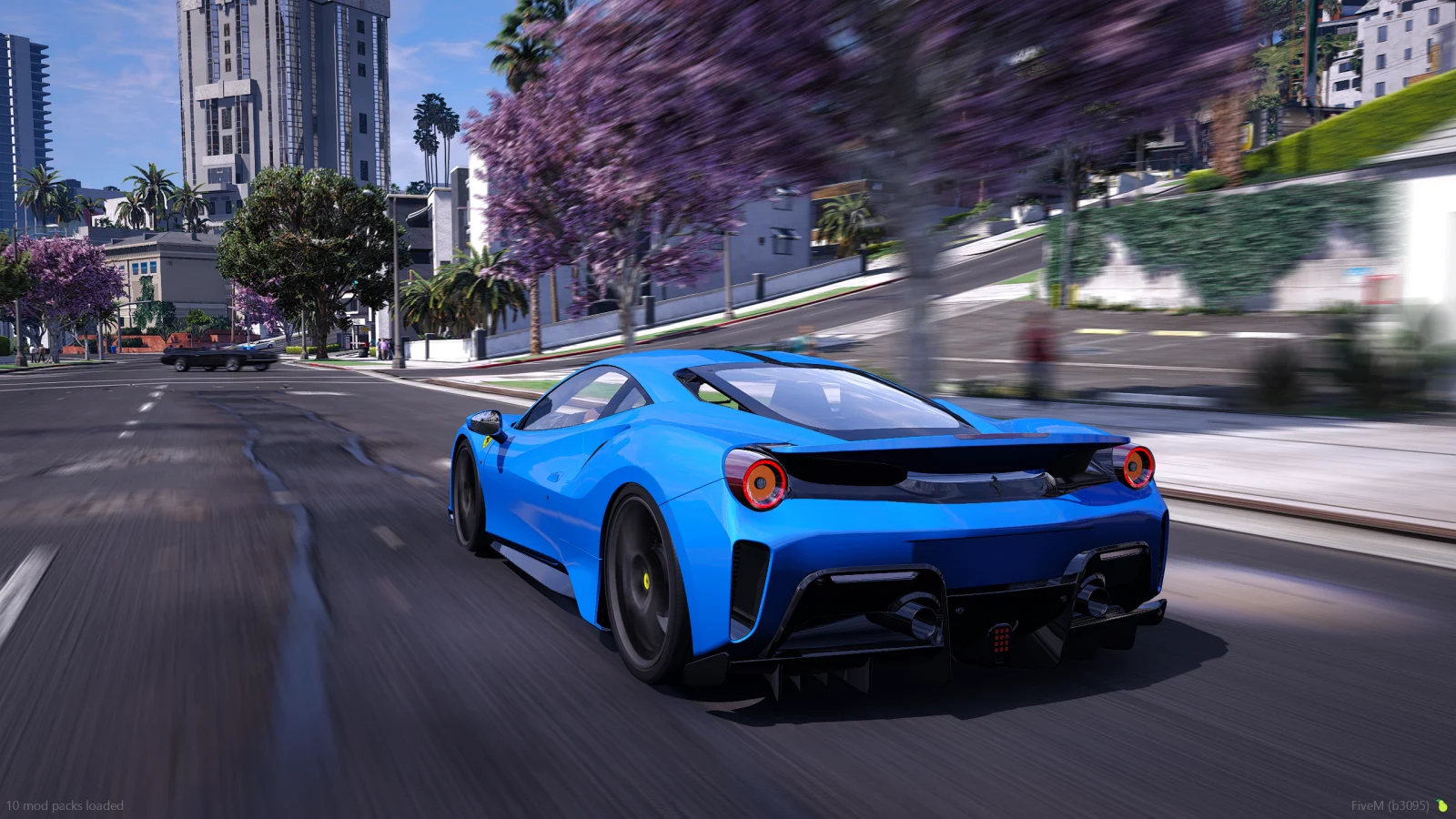
The free Prime preset is the simplest way to test the look before you spend anything. Check the real screenshots, load it into your own game, and decide if you want to keep that direction or move to a full graphics pack.
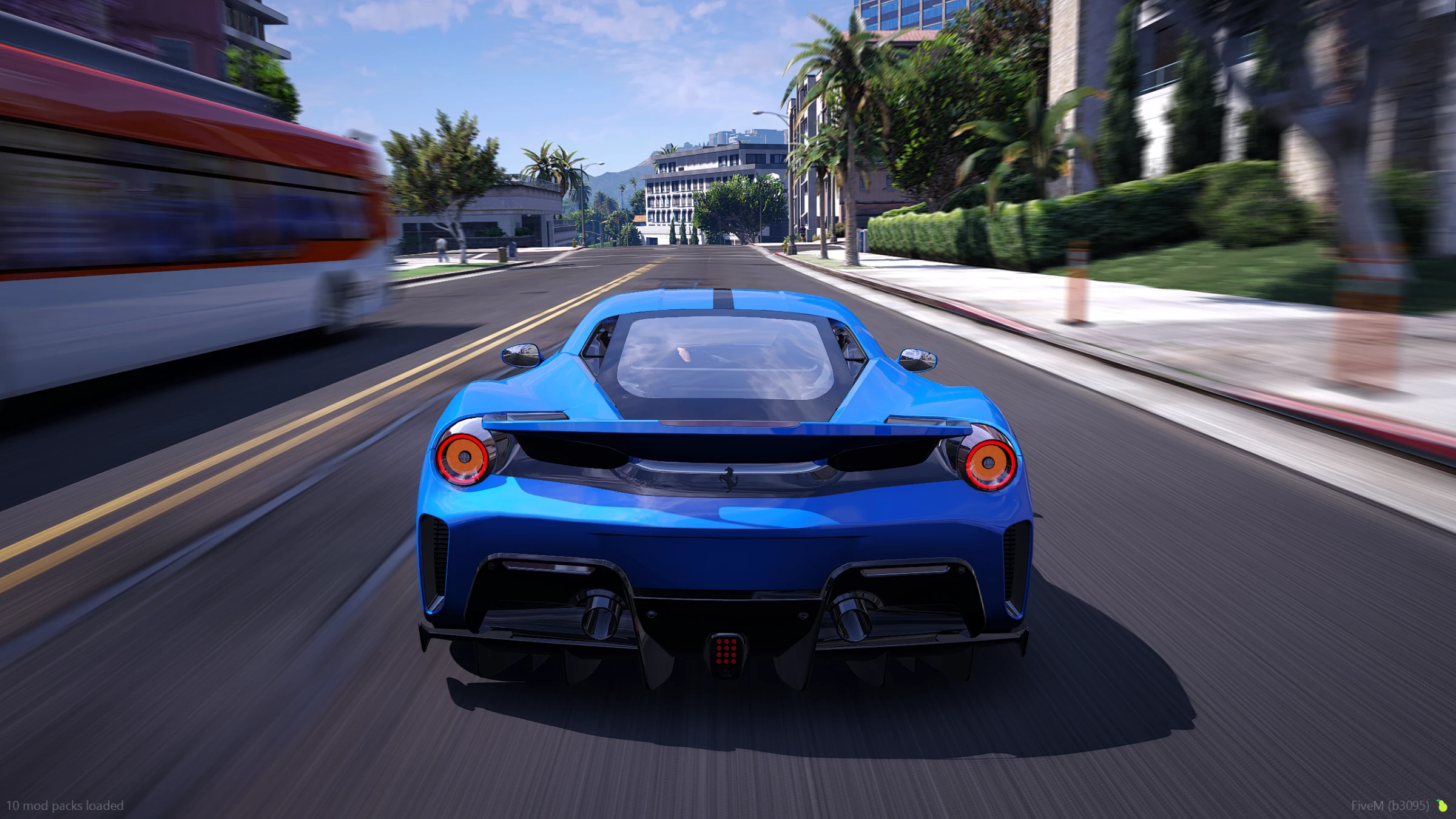
What you get from the free preset
The free preset lets you test Prime's visual direction in your own FiveM setup. It is useful for judging the tone, color, contrast, and general finish before you choose a paid pack.
What it is not
A free preset is not automatically a full world overhaul. If you want a larger change to lighting, roads, weather, reflections, and the base environment, compare the standalone graphics packs:
If you already use QuantV or CoreFX, compare the matching preset packs instead. Do not install a preset for the wrong visual base.
Test it properly
- Take a default screenshot before installing.
- Test the same route in daylight, rain, and night.
- Check your FPS during normal driving, not just while standing still.
- Keep a copy of your current configuration.
- Use the full product galleries to compare any paid option before buying.
Quick FAQs
Is the Prime free preset really free?
Yes. The free Prime preset is available to test the Prime visual style before you buy a full graphics pack or join a membership.
Is a free preset the same as a full graphics pack?
No. A preset is a focused visual adjustment. A full graphics pack is the better choice when you want a broader change across the base world.
Where can I get the free Prime preset?
Open the official Prime free preset product page, then use the linked Discord access route and instructions.